Synchronization
WHMAUTIC synchronizes WHMCS with Mautic asynchronously. WHMCS hooks only enqueue work: no hook makes an HTTP call to Mautic during checkout or a client request.
Queue events
contact.upsert: creates or updates a Mautic contact from WHMCS client data.contact.segment.add: adds a contact to a segment.contact.segment.remove: removes a contact from a segment.contact.segment.sync: reconciles a contact's segments against the current mapping. See Segment Mapping for the reconciliation rule.
Worker and cron
A worker drains the queue. It is driven by the WHMCS cron (cron.php): there is no separate daemon or scheduled task to configure beyond a working WHMCS cron.
Each cron run processes a batch of up to 50 queued items.
Retry
An item stuck in processing is requeued after 15 minutes. A failed item is retried up to 5 times, with 1, 5, 15, 60 and 240 minute waits between attempts. After the fifth failed attempt, the item is marked as a definitive failure and stays visible on the activity screen.
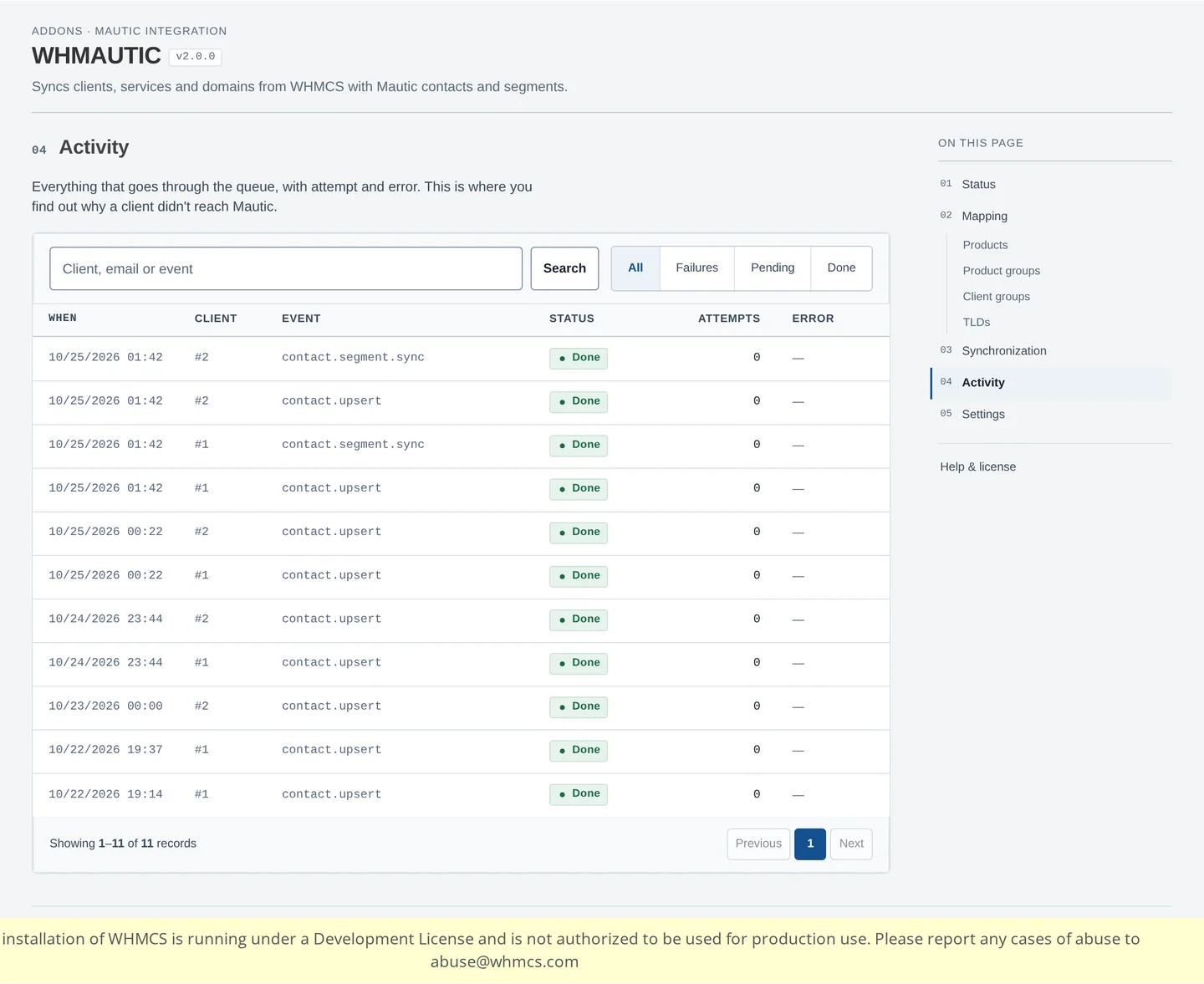
Activity screen
The activity screen lists every queue item, with its event, status and number of attempts. Use it to find out why a specific client did not reach Mautic.
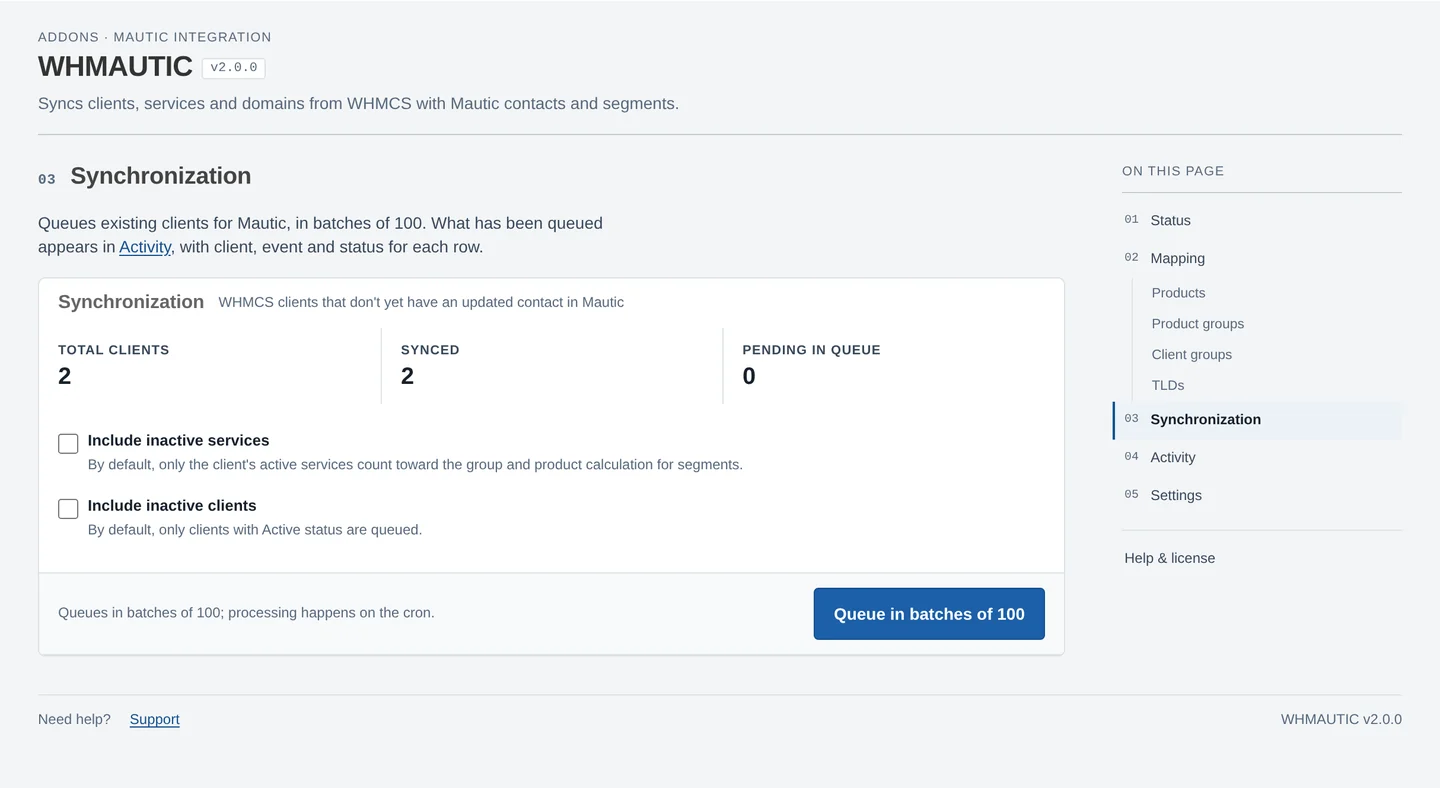
Synchronizing existing clients
The Synchronize existing clients screen queues clients already present in WHMCS, in batches of 100. Two options control the scope:
- Include inactive services: when off, only a client's active services count toward product and group mapping.
- Include inactive clients: when off, only clients with Active status are queued.