Segment Mapping
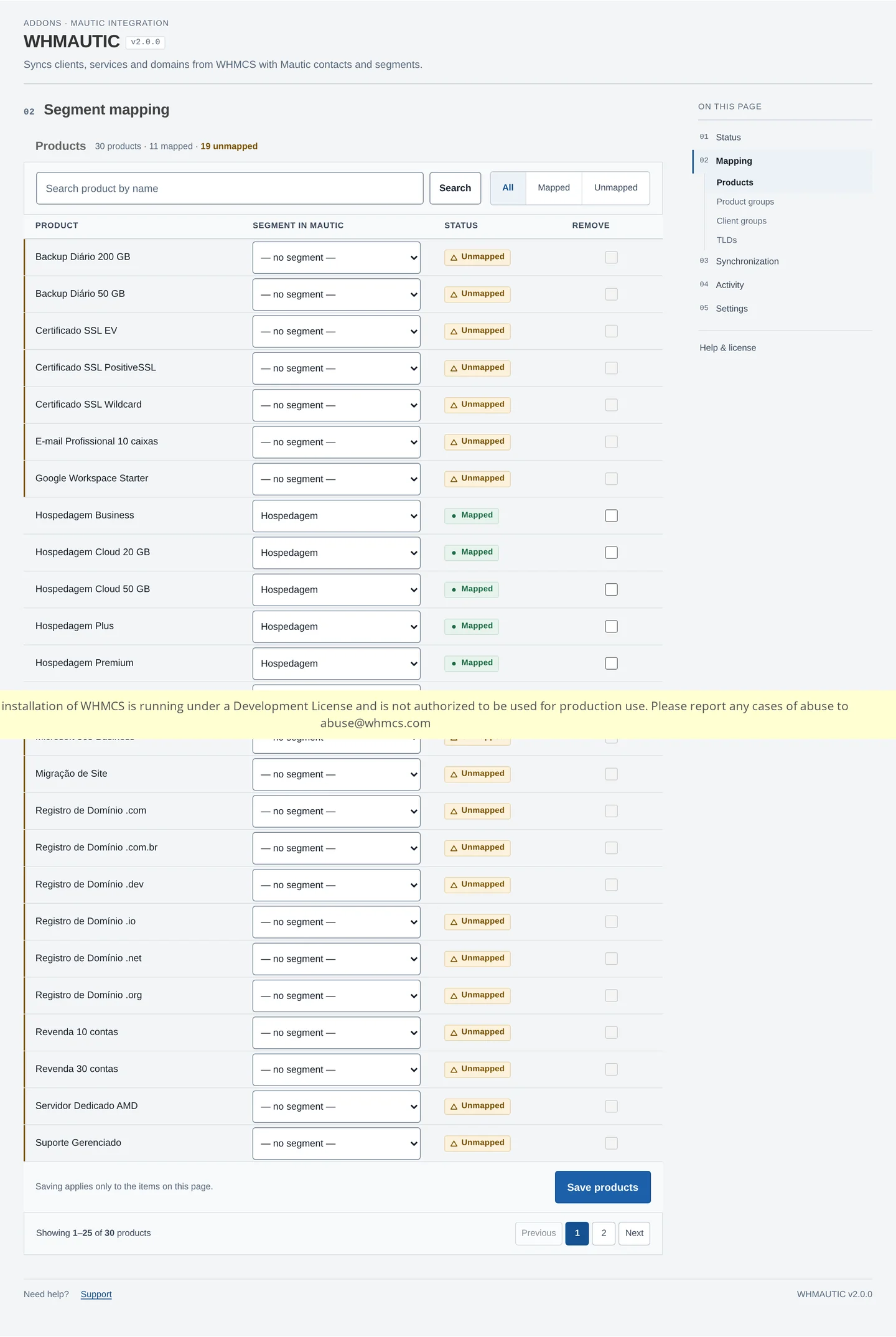
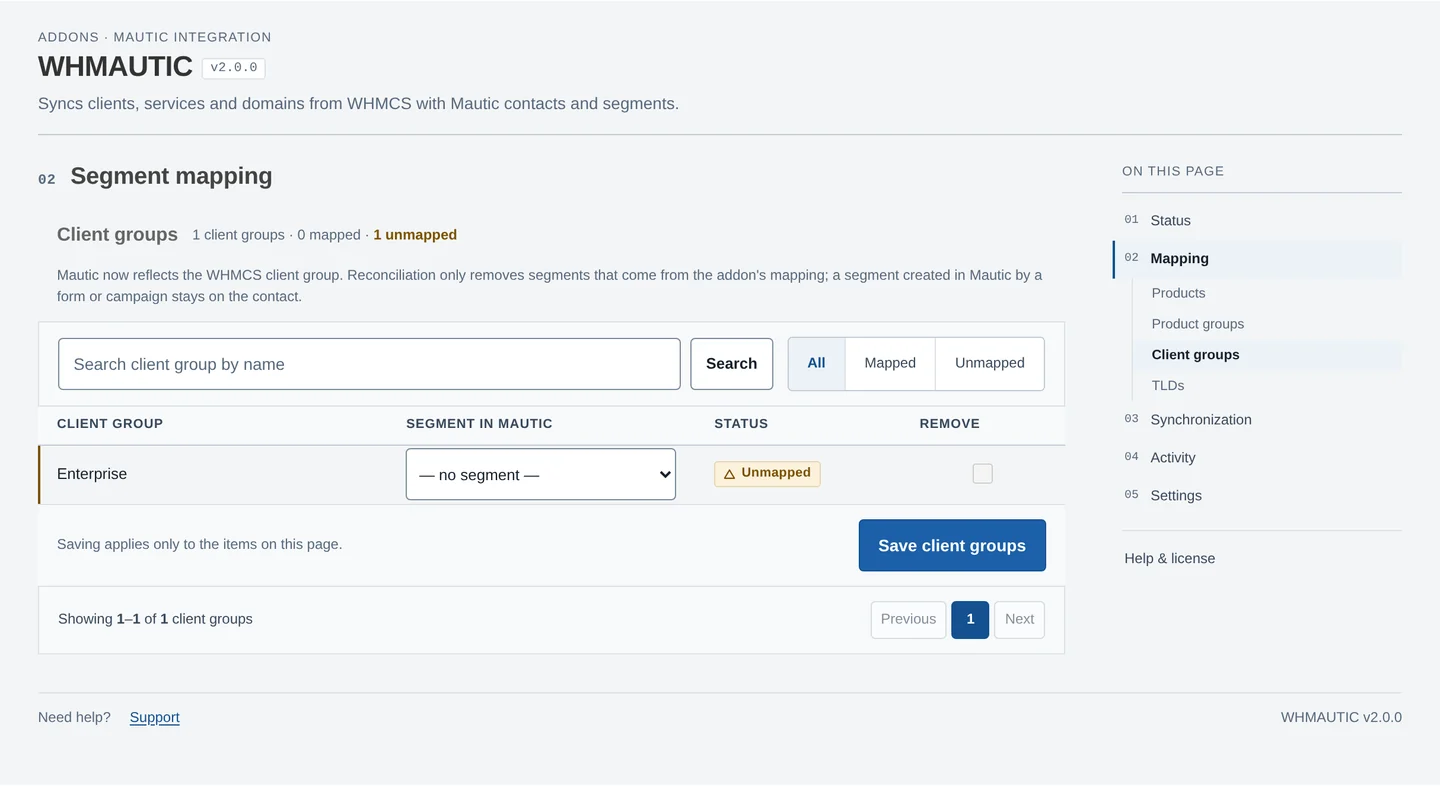
WHMAUTIC maps four WHMCS attributes to Mautic segments:
- Product
- Product group
- Domain TLD
- WHMCS client group
Each axis has its own mapping screen, with search, filters and pagination. A product, group or TLD maps to one Mautic segment, or to none.
How a contact's segments are calculated
When a client's products, services or client group change, WHMAUTIC recalculates the full set of segments that should apply to that contact across all four axes, and compares it to what is currently mapped.
Saving and removing mappings
Each mapping screen saves only the rows visible on the current page. The hint under the table states this, so a change made on page two is not lost when you save on page one, and a save on page one does not touch the rest of the catalog.
To remove a mapping, set the row to no segment and save, or tick the row's remove box. A contact that was in that segment leaves it on the next reconciliation.
Changing a mapping does not rewrite existing contacts by itself. Run Synchronize existing clients once after a mapping change to bring the whole base in line. See Synchronization.
Reconciliation rule
WHMAUTIC only manages the segments it created through its own mapping. A segment added to a contact by hand in Mautic, for example through a form or a campaign action, is never removed by WHMAUTIC.
The contact.segment.sync event performs this reconciliation:
- Calculate the desired set of segments for the contact, from the current mapping and the client's products, groups and TLD.
- Read the contact's current segments from Mautic.
- Apply only the difference: add the segments that are missing, remove the mapped segments that no longer apply.
Reconciliation never creates a contact. If it cannot read the contact's current segments from Mautic, it aborts without removing anything, so a temporary read failure never strips a contact's segments.
See Synchronization for how these events travel through the queue and worker.