Languages
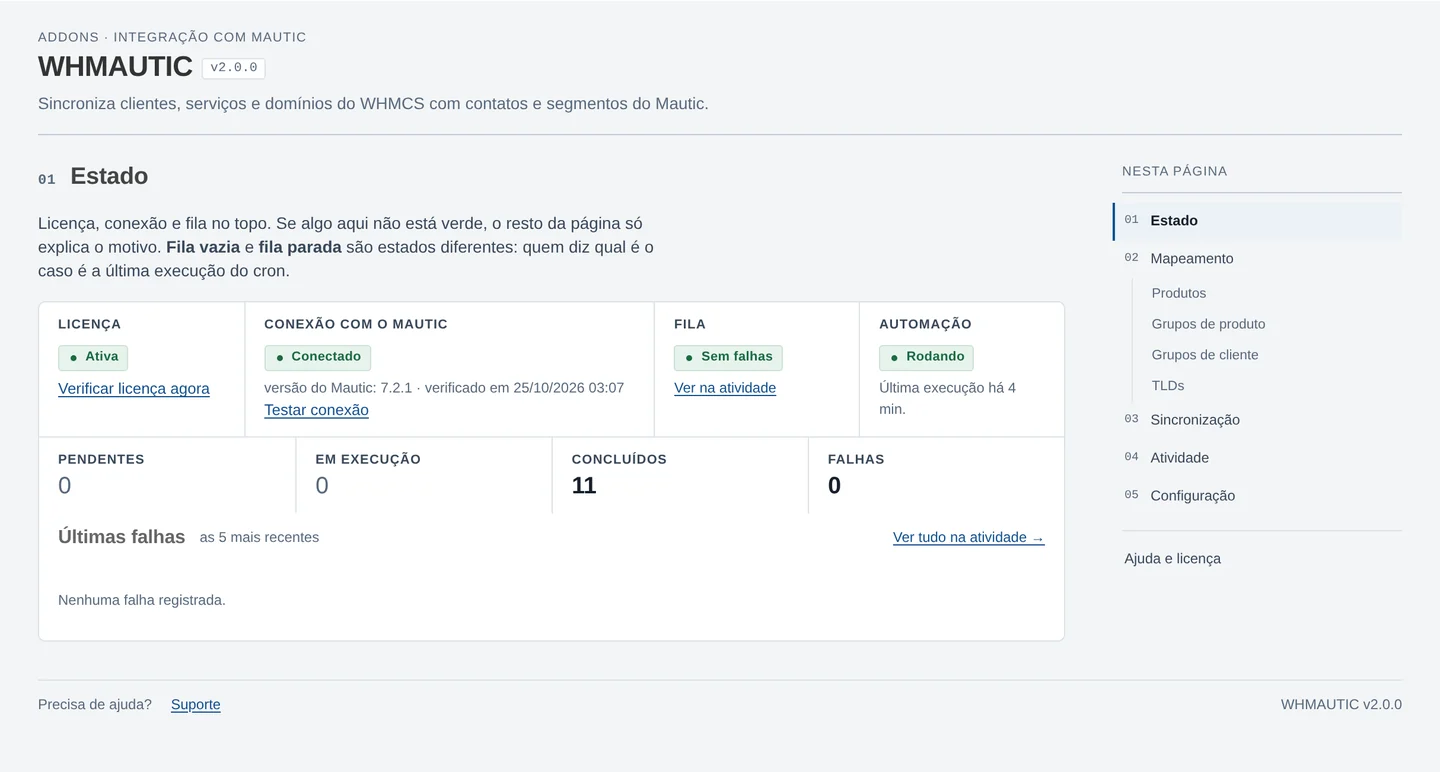
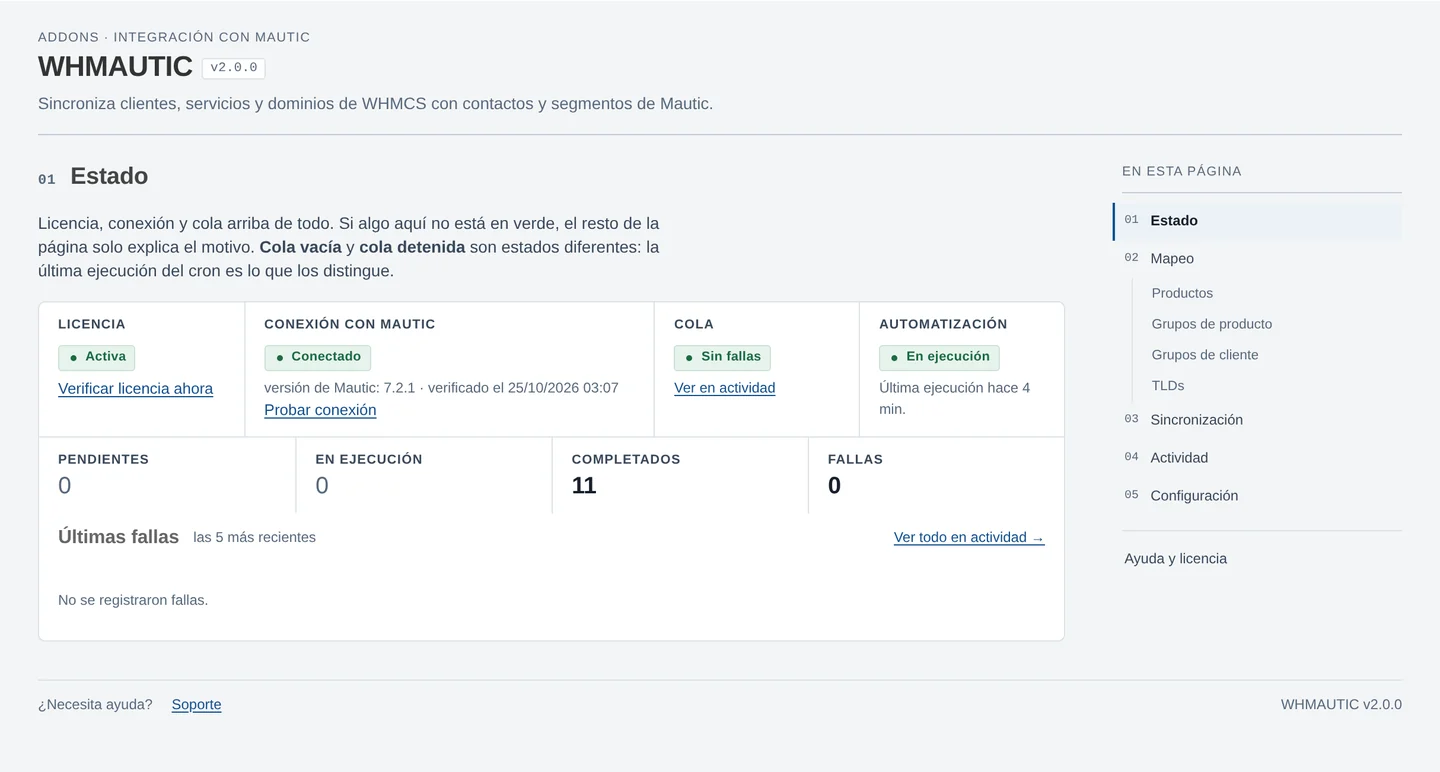
The WHMAUTIC admin panel is available in English, Brazilian Portuguese and Spanish. English is the source language: every string exists there first, and any other language falls back to English for a key it does not have.
The panel language follows the WHMCS administrator's own language setting. There is no separate language switch inside WHMAUTIC.
Adding a language
All admin panel text comes from a language file: there is no interface text written directly in PHP. To add a language:
- Copy
lang/english.phptolang/<code>.php, using the WHMCS language code for the target language. - Translate the value of each string. Keep the keys unchanged.
- Set the administrator's language in WHMCS to the new code to see it applied in the WHMAUTIC panel.
A key missing from a language file falls back to the English string for that key.